1. Is the TRA optional or mandatory when the flag is active?
-
TRA is required for Accepted and Rejected - principal user only (not part of the contractor process)
2. Are the TRA reportable or viewable after uploaded? Yes, the TRA is attached to the review of the SWMS so can be viewed. There is an Icon next to the review status on the SWMS page.
-
TRA PDF is visible and openable by project and contractor users with the SWMS edit permission. This will allow the contractor to correct any items in the rejection.
3.There are no changes for a Contractor during the upload or their internal review.
Setting the TRA up for a project instructions →
-
Go to admin.aspx
-
Go to the Principal Setting section and select the project's company from the dropdown.
-
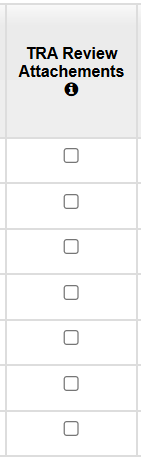
Tick the box in the TRA Review Attachments column for the project you want the TRA on:
-
Click Save
See WEB-18259 TRA Forms for John Holland